AWS Organization
Passionate DevOps/Cloud/Database Architect with a proven track record in automation, cloud optimization, and Database management. Experienced in IT , I specialize in designing and implementing CI/CD pipelines, automating deployments, and leveraging cloud technologies to build scalable, secure, and high-performing infrastructures. Seeking opportunities to drive innovation and efficiency in modern software development environments.
AWS Organization: A Practical Example
In this article, I will explain how AWS Organizations work using a practical example. I am demonstrating the process with two accounts:
Account 1 will be the management account.
Account 2 will be the member account of the organization.
Step 1: Enabling AWS Organizations
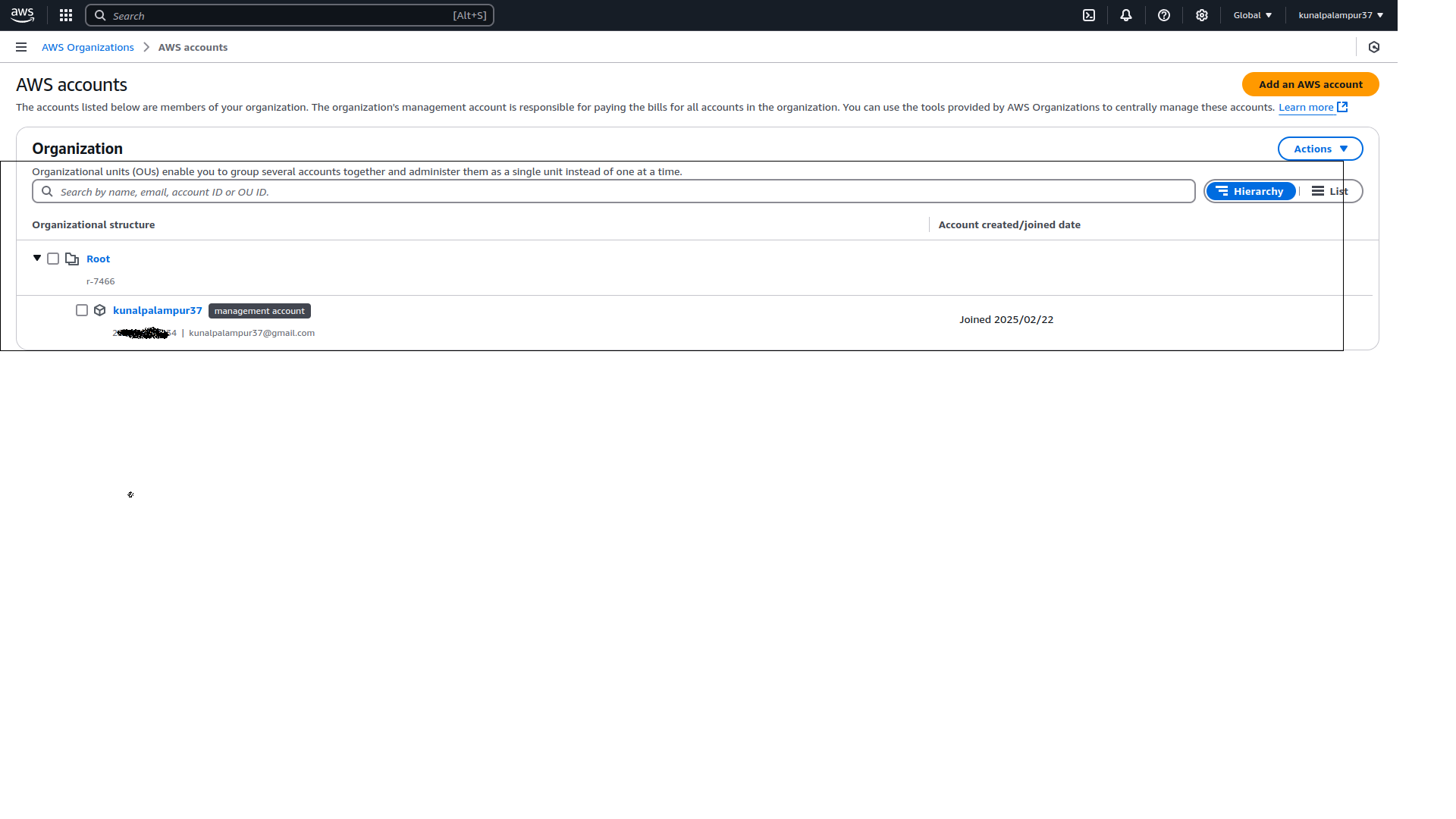
After enabling AWS Organizations, the following output will be visible from the management console, showing the root container and management account.
Step 2: Inviting the Member Account
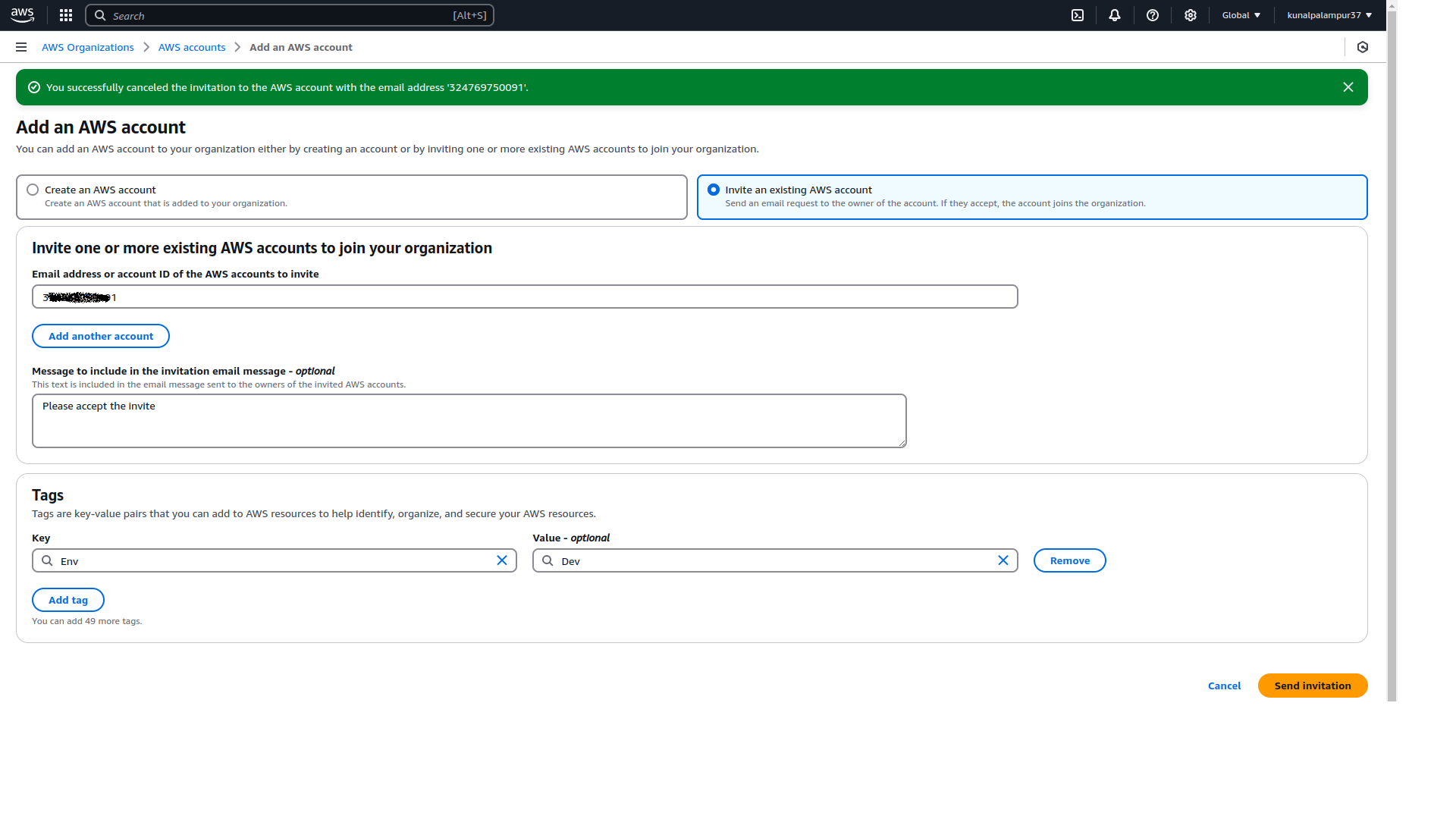
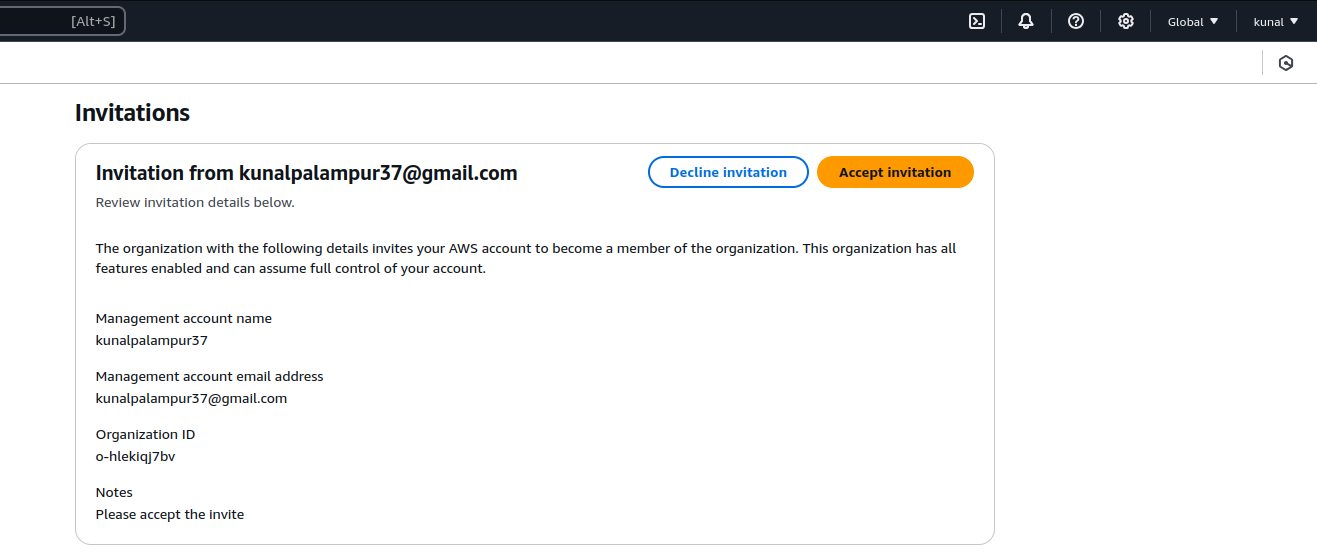
I will now send an invitation to the member account (Account 2) to join the organization. Once the invitation is accepted by the member account, the process continues.

Step 3: Creating a Role in the Member Account
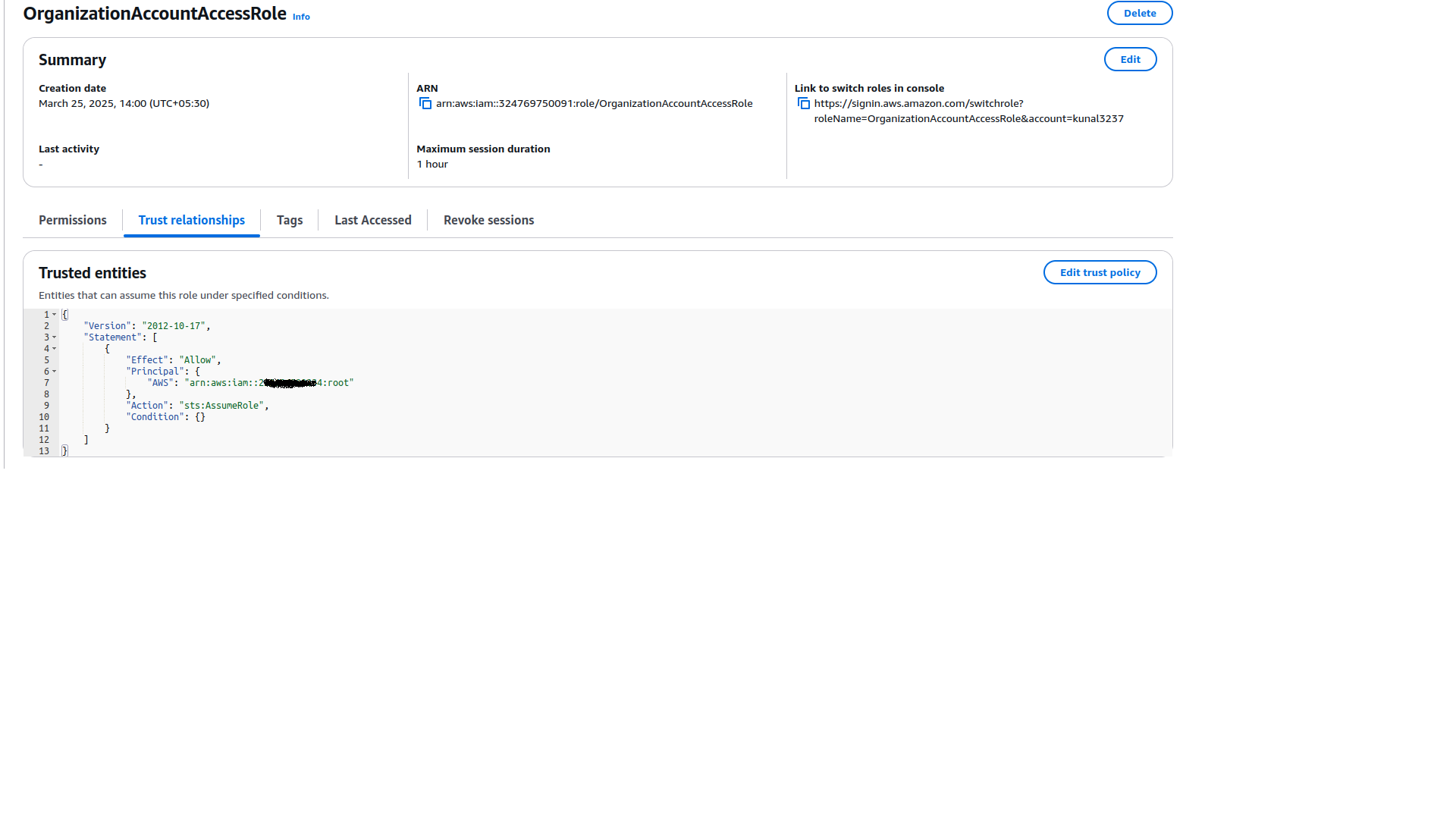
After the invite is accepted, we need to create a role in the member account. This role will be assumed by a user in the management account to perform actions in the member account.
The role will have S3 Full Access and a trust relationship with the management account.
Step 4: Creating a User in the Management Account
Next, we will create a user in the management account. This user will have an inline policy that allows them to assume the role in the member account. It's important to note that the root user of the management account cannot be used for this task, as the root account is reserved for managing the account itself.
To use any user with administrative privileges, you must create a new user and assign the necessary permissions, as role switching cannot be performed with the root user.

Step 5: Logging in with the New User
Finally, we will log in with the newly created user from the management account and assume the role in the member account to perform actions.


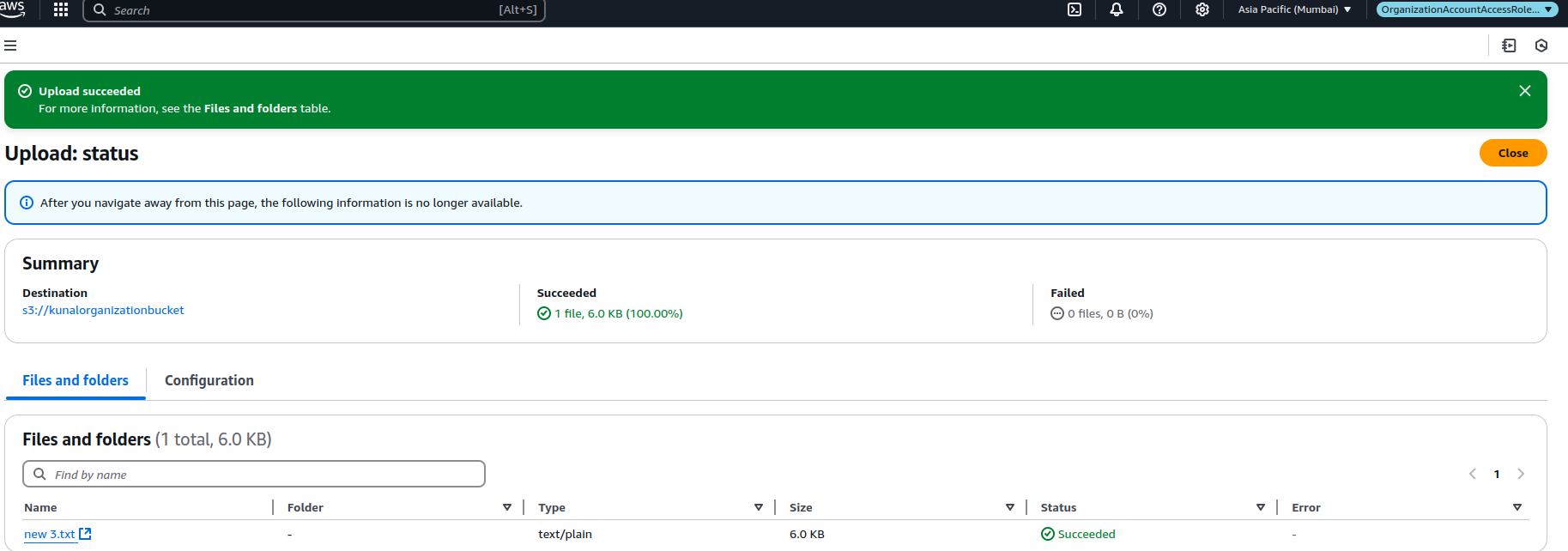
Now Creating the S3 bucket in the Member account and uploading the file as well